If you’re hitting Claude’s usage limit faster than expected, this is for you.
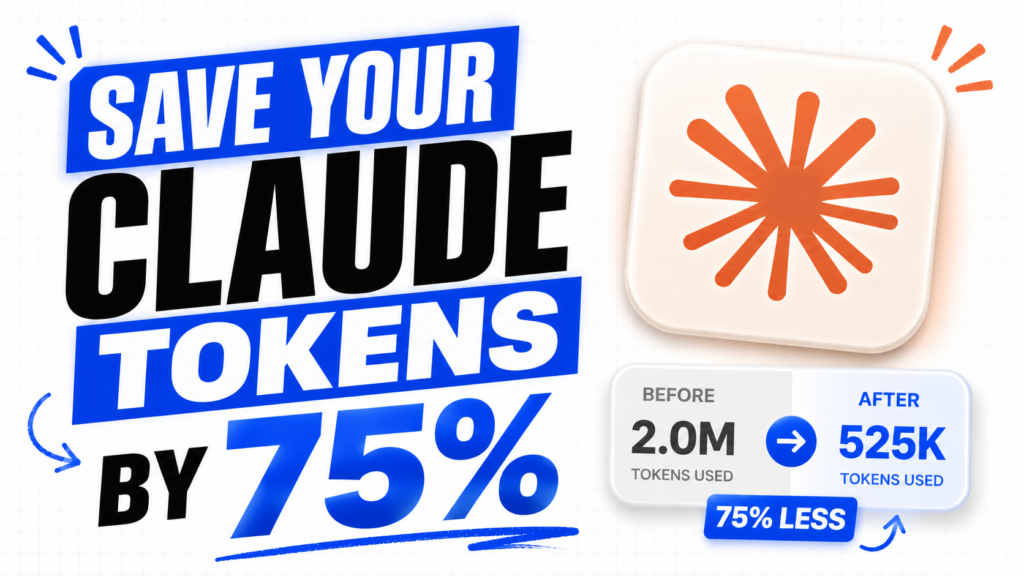
There’s a skill called Caveman Mode that cuts your token usage by 75% and makes Claude respond with direct, sharp answers — no fluff, no unnecessary explanation.
Here’s how to set it up in under a minute.
Download SkillStep 1: Open Claude
Go to claude.ai and open the app.
Step 2: Go to Customize
Click on your profile and select Customize.
Step 3: Open Skills
Inside Customize, tap on the Skills tab.
Step 4: Create a New Skill
Tap the + icon to add a new skill.
Step 5: Upload the Zip File
Select Create Skill, then upload the Caveman Mode zip file.
That’s it. Caveman Mode is now active.
How to Use It
Before any prompt, just type /caveman — and Claude will switch into direct mode instantly. Shorter responses, better answers, fewer tokens used.